The Monero Seed Phrase Security Checklist
1. What is a Monero Seed Phrase?
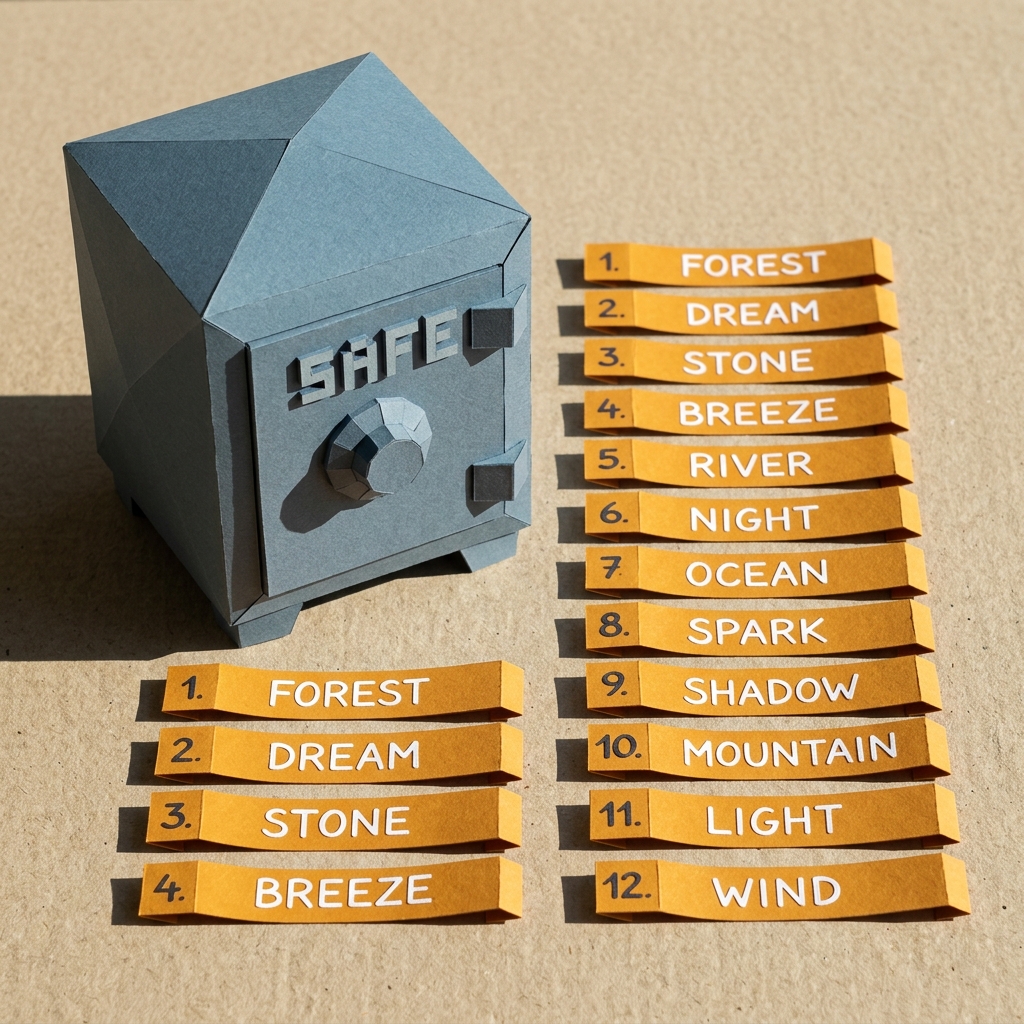
When you create a new Monero wallet, you are presented with a sequence of words (usually 25 words in standard wallets like Cake Wallet, or 16 words in modern polyseed setups). This list is a human-readable representation of your **Private Spend Key**.
Because Monero uses client-side encryption, the developers of Cake Wallet do not store your words on their servers. There is no "forgot password" button. If your device breaks and you do not have your seed phrase, your Monero is gone forever.
2. The Gold Rules of Backup Hygiene
- Rule 1: Never Go Digital. Never save your words in a text file, email, Google Doc, iCloud backup, or Evernote. Never take a photo of your phrase. Software on your phone or computer can scan your camera roll or clipboard and steal your phrase.
- Rule 2: Write it Down Physically. Write the words on card stock using a fade-resistant pen, or better yet, punch/stamp the letters into a stainless steel plate to protect it from fire and water damage.
- Rule 3: Store in a Fireproof Safe. Place your written backup inside a secure, lockable container or fireproof safe. Only share its location with trusted family members in case of emergency.
- Rule 4: Split the Backup (Optional). For advanced security, you can split the 25-word phrase into two parts (e.g. words 1-13 in location A, and words 12-25 in location B) to prevent a single thief from gaining full access.
3. Anti-Phishing: Recognizing Fake Forms
Phishing is the most common way hackers steal Monero. Here is how to protect yourself:
- There is no web login: Cake Wallet and Monero do not have "accounts" or "passwords" hosted on websites. Any website asking you to "log in to your wallet" is fake.
- Never enter your seed phrase online: No official support agent, developer, or website will ever need your seed phrase to fix a transaction, verify an account, or complete an upgrade.
- Ignore "sync validation" websites: Scammers set up sites asking you to "connect" or "validate" your wallet by pasting your 25 words. These are scams.
4. How to Restore & Understand Restore Heights
If you need to restore your wallet on a new device:
- Download the official Cake Wallet app.
- Select "Restore Wallet" and type your recovery words in order.
- Set the Restore Height: You will be prompted to enter a block height or a date.
- Why this matters: If you leave the restore height blank or set it to 0, the app has to scan the entire blockchain from 2014, which can take days and make your wallet appear "stuck syncing."
- The best practice: Enter the date or block height from shortly *before* you received your first transaction. This tells the wallet where to start scanning, finishing the sync in minutes.
Troubleshooting: Wallet Stuck Syncing?
If your wallet gets stuck during synchronization, try the following quick fixes:
| Symptom | Likely Cause | How to Fix |
|---|---|---|
| Sync progress bar is stuck or zero balance. | Restore height set too far back or overloaded node. | Check settings and enter a date close to your first deposit. Swapping to a different public node in the "Nodes" menu often resolves slow sync. |
| Connection error on mobile. | Network blocking standard Monero ports (e.g. 18081). | Switch off public Wi-Fi to cellular data, or connect via a reputable VPN. |
Confused by some of the technical jargon? Browse our dictionary of privacy terms.
View Academy Glossary